Smart Blinds: Alexa, Google Home & Smart Home Compatibility
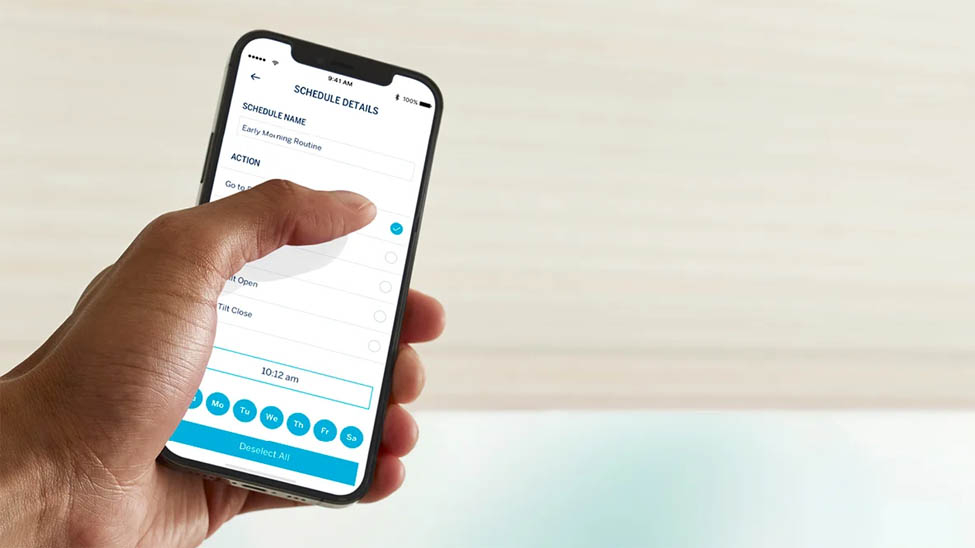
"Smart blinds" sounds more complicated than it is. Underneath the marketing, a smart blind is just two things stacked together: a motor that raises and lowers the shade, and a connection that lets your smart home talk to that motor.
Once you see it as those two layers, the Alexa and Google Home questions mostly answer themselves, and choosing smart blinds compatible with Alexa or any other assistant gets a lot simpler.
How smart blinds actually work
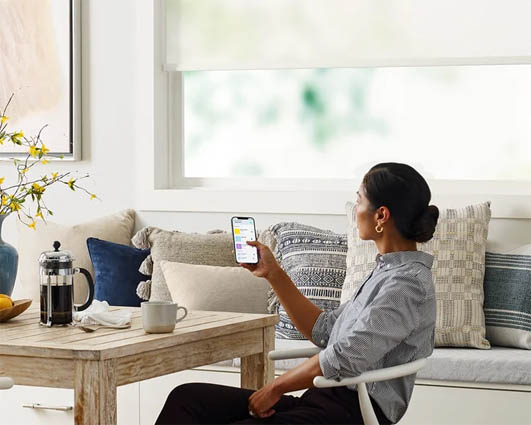
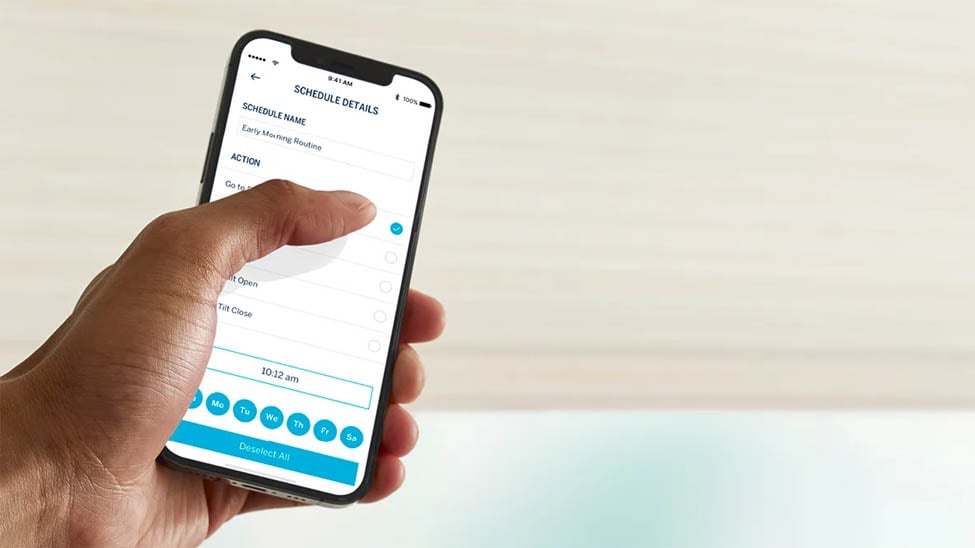
Every smart blind starts as a motorized one. A small motor, powered by a rechargeable battery, a wired connection, or in some cases the sun, does the lifting so you are not pulling a cord. On its own, that motor takes a remote control to activate. What makes it smart is the second layer: a connection to your home network, either built into the shade over Wi-Fi or through a small hub that bridges the motor to your router. Blindster's motorized shades come with a remote as standard, with a Wi-Fi option that adds app control and smart-home integration. Without that layer, you have a motorized shade. With it, you have a smart one.
Alexa, Google Home, and voice control
Once a shade is on your network, the voice assistant is the easy part. Connect it through the manufacturer's app, and it appears in the Alexa or Google Home app like any other device, ready for voice commands and grouping. A motorized cellular shade with the Wi-Fi option lets you say a phrase to close the living room shades, or fold them into a routine so "goodnight" lowers every shade in the house at once. Most systems are happy to answer to more than one assistant, so an Alexa household and a Google household under the same roof can both control the same shades.
Do you need a hub, or just Wi-Fi?
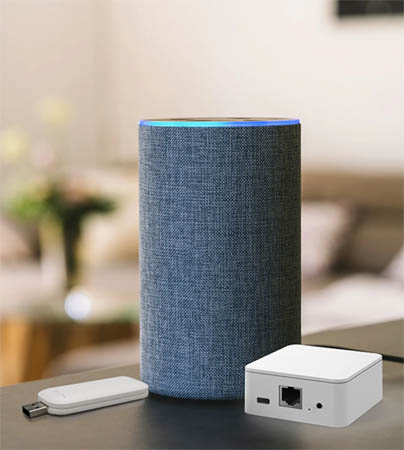
This is the question that trips people up, and the answer depends on the system. Some motorized shades connect straight to your Wi-Fi and need nothing extra. Others use a small hub or bridge, a puck that plugs in near your router and relays commands to the motors. Either path gets you to the same place: app control on your phone and integration with Alexa or Google Home. Blindster's approach is the Wi-Fi option, so a motorized light-filtering roller shade can join your smart home without a separate box to manage.
Automations worth setting up
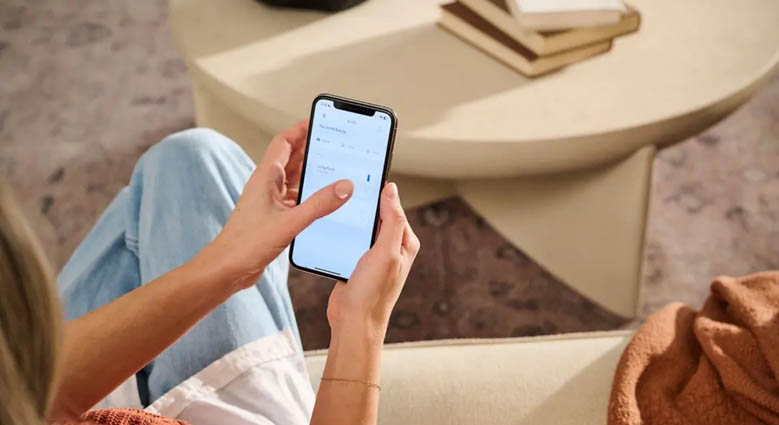
Voice control is the headline, but scheduling is where smart blinds quietly earn their keep. A few automations do most of the work.
- Schedules: open the shades at sunrise and close them at sunset automatically, so the house runs itself.
- Sun and glare: drop a motorized solar shade before the afternoon sun hits your desk, then raise it once the glare passes.
- Scenes: a single "movie" command that lowers the blackout shades and dims the lights together.
- Away mode: shades that move on a schedule while you travel, so the house looks lived in.
Can you make existing blinds smart?
Sometimes, yes. If the blind is not already motorized then add-on motor kits and tilt devices can retrofit certain existing blinds, clipping onto the cord or wand to automate lift or tilt, then connecting over Wi-Fi. They are a reasonable fix for blinds you are not ready to replace. The tradeoff is reliability and looks: a retrofit motor is bulkier and more finicky than a shade built with the motor inside. If you have motorized blinds already, then you may just need a hub or bridge device so that your home automation system can talk to the blinds.
If you are buying new anyway, a purpose-built motorized shade like a motorized roman shade is the cleaner, longer-lasting route to the same smart control.
Start with the motor, add the smarts
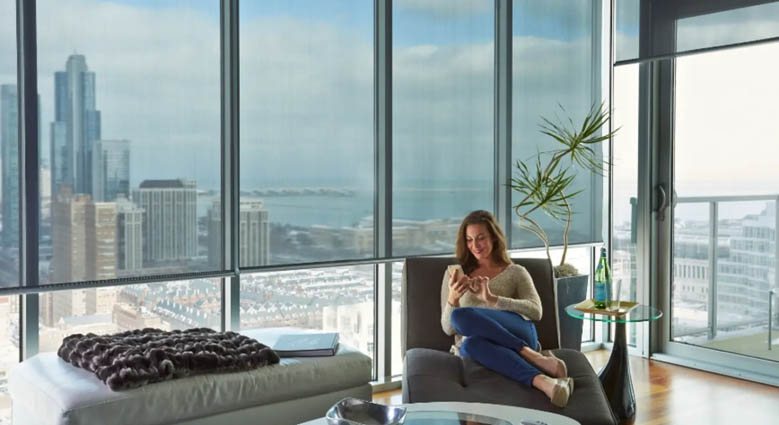
The whole thing comes down to two layers: a motor to move the shade, and a Wi-Fi connection to make it smart. Get the motorized shade first, add the Wi-Fi option, and Alexa or Google Home slots in from there, ready for voice control and schedules. Browse motorized blinds and shades and pick the one that fits the window and your smart home.
FAQs
Do smart blinds work without Wi-Fi?
The motor still works, but the smart features do not. Without Wi-Fi you can raise and lower the shade with its remote, but voice control, app control, and scheduling all need the network connection.
Can one smart blind connect to multiple voice assistants?
Usually yes. Most systems integrate with more than one assistant at a time, so the same shade can respond to both Alexa and Google Home in a household that uses both.
Which smart blind systems support automation routines?
Any motorized shade connected over Wi-Fi or a hub can join routines and schedules through the Alexa or Google Home app, or the manufacturer's own app, including sunrise and sunset triggers and scene commands.
Do smart blinds require a separate hub?
It depends on the system. Some connect directly to your Wi-Fi with no extra hardware, while others use a small hub or bridge near your router. Both give you app and voice control in the end.
Can existing blinds be converted into smart blinds?
Some can, using add-on motor or tilt kits for blinds that are not already motorized that attach to the cord or wand and connect over Wi-Fi. They work, but a shade built with the motor inside is cleaner and more reliable than a retrofit. Existing motorized blinds may just need a hub or bridge device, but you'll likely need one specifically from the original blind's manufacturer.
Do smart blinds need to be plugged in?
Not always. Many motorized shades run on a rechargeable battery you top up every several months, so no wiring is needed. Others use a wired connection or solar power, which avoids recharging but adds installation steps.
- Smart Blinds: Alexa, Google Home & Smart Home CompatibilityBlinds, Shades & Shutters
- Blind Slat Sizes ExplainedBlinds, Shades & ShuttersCommon Questions
- Best Blinds by Window Direction (North, South, East & West)Blinds, Shades & ShuttersHome Advice
- Black Friday Shopping Guide for Buying Blinds, Shades, and ShuttersBlinds, Shades & ShuttersHow To
- The Best Dust-Resistant Blinds for Cleaner Homes & Less AllergiesBlinds, Shades & ShuttersHome Advice